
The biggest risk in self-custody crypto is a single point of failure: one lost phone, one stolen seed phrase, one phishing attack — and your entire holding is gone. Multi-signature wallets eliminate this by distributing signing authority across multiple devices or people. Two compromises required instead of one.
Understanding Multi-Sig: How It Works
Understanding Multi-Sig: How It Works
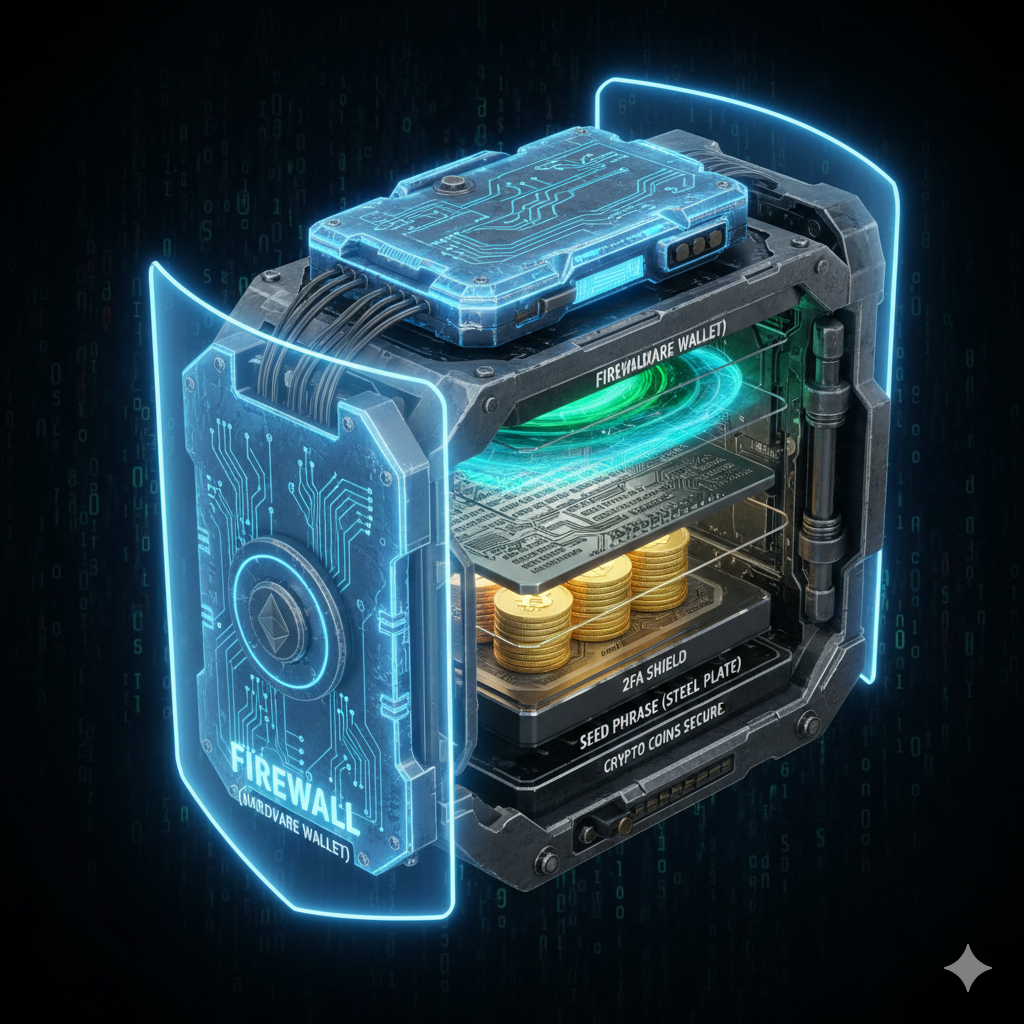
Multi-sig wallets are defined by an M-of-N threshold: M = minimum signatures required, N = total keys. A 2-of-3 multi-sig means you have 3 separate private keys, and any 2 of them must sign a transaction for it to execute. Individual key compromise or loss does not compromise the wallet.
Use cases: 2-of-3 for personal large holdings (one key on daily hardware wallet, one in secure storage, one with trusted family member), 3-of-5 for corporate treasury (requiring board approval for large transactions), 1-of-2 for shared family access (either party can transact).
Setting Up Bitcoin Multi-Sig with Specter Desktop
Setting Up Bitcoin Multi-Sig with Specter Desktop
Step 1: Prepare Your Keys
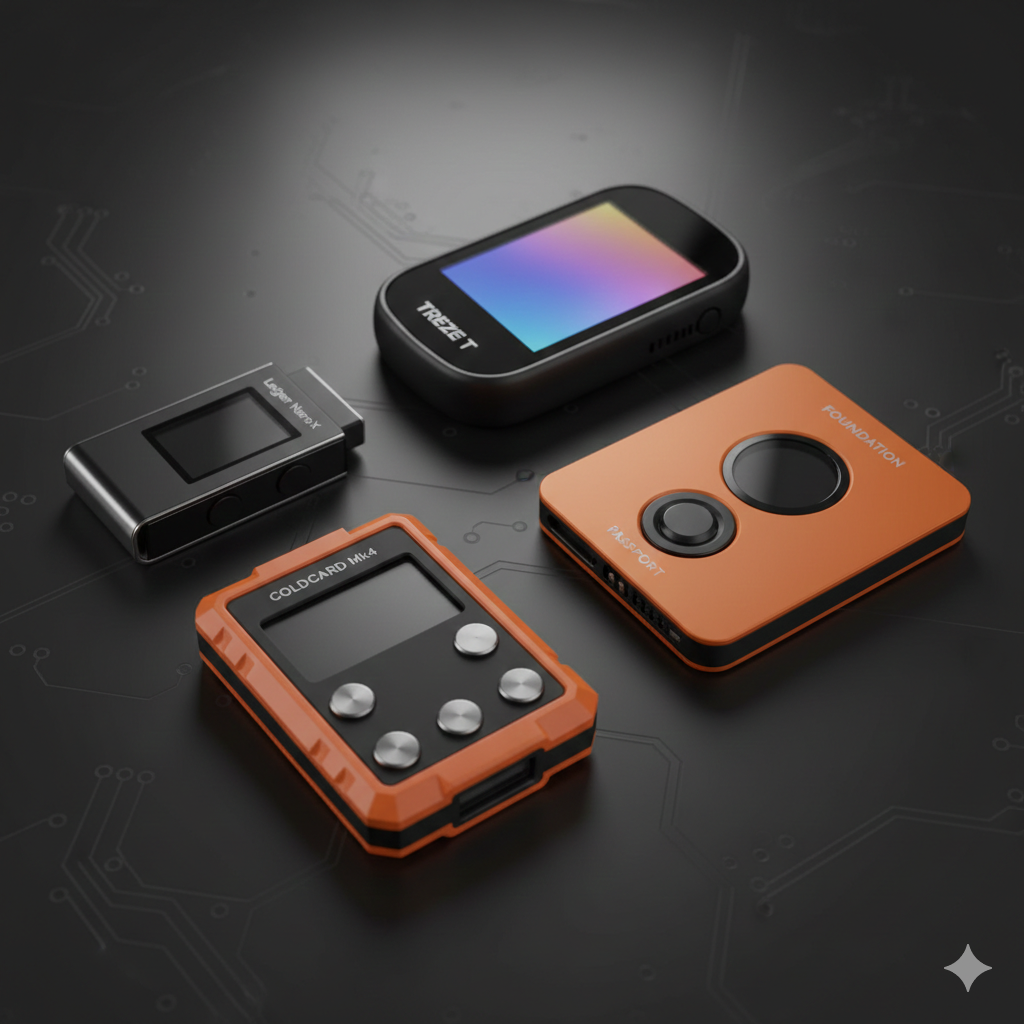
For a 2-of-3 setup, prepare 3 hardware wallets (or use Coldcard for 2 and a software wallet for the emergency key). Initialize each device independently, storing each seed phrase separately and securely (never in the same location). Install Specter Desktop or Sparrow Wallet on your computer.
Step 2: Import Public Keys
Export the extended public key (XPUB) from each hardware wallet and import all three into your multi-sig coordinator software. The coordinator combines these to generate the multi-sig address — it cannot spend funds without your hardware wallets signing.
Step 3: Test Before Loading Funds
Send a tiny test amount ($10-20), then practice the signing process using exactly 2 of your 3 keys. Verify transaction broadcast successfully. Only after successful test transactions should you load significant funds into the multi-sig wallet.
XRPL Multi-Signing
XRPL Multi-Signing
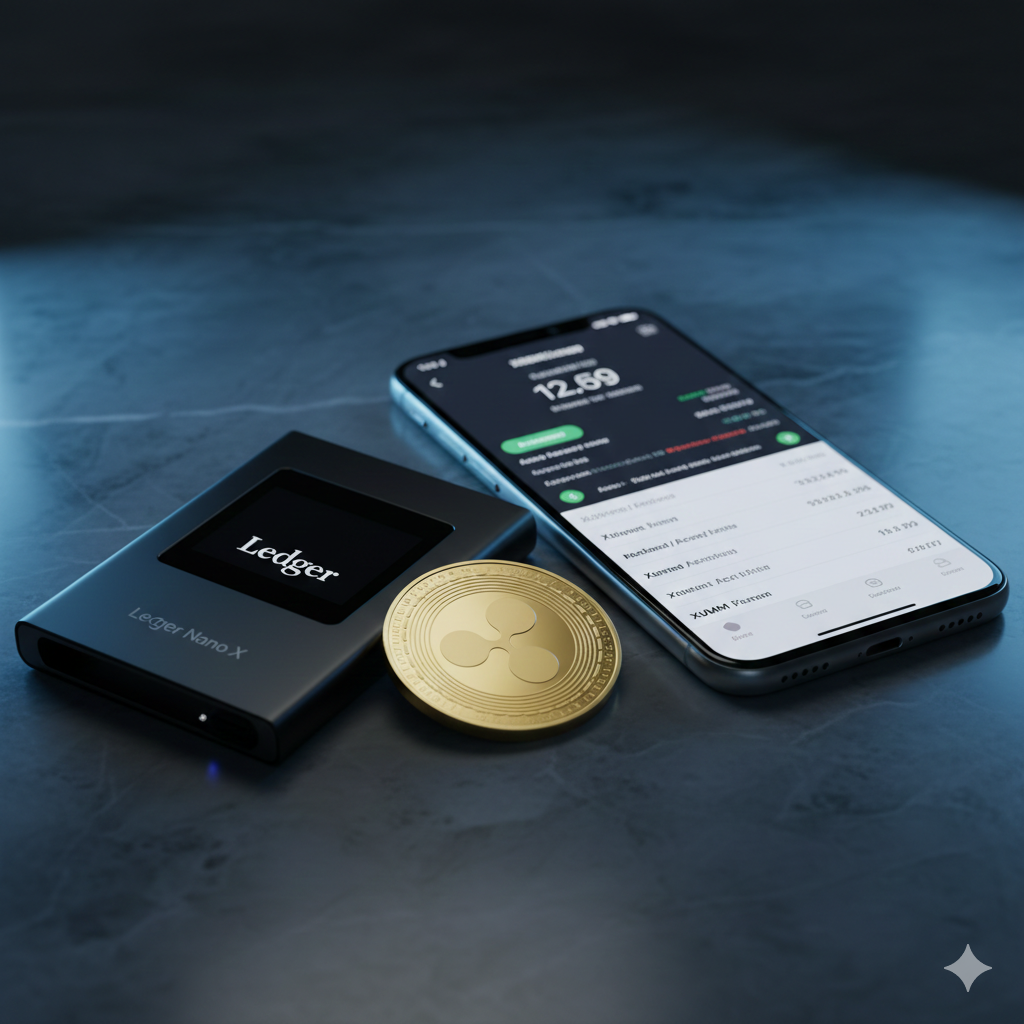
The XRP Ledger has native multi-signing built into the protocol — no smart contracts or third-party tools required. You configure a SignerList on your XRP account specifying authorized co-signers and the threshold (quorum). Transactions require the threshold number of signers to submit cryptographic signatures before the XRP Ledger processes them.
Tools supporting XRPL multi-signing include the official XRPL developer tools at xrpl.org, NIXERP, and increasingly the Xaman wallet application. This native multi-sig capability makes XRPL particularly suitable for institutional and high-value personal XRP custody.
Multi-Sig FAQs
Protect Your Growing XRP Holdings
As your MineXrpOnline cloud mining earnings grow your XRP balance, consider graduating to multi-sig for maximum security. Accumulate first, secure as you grow.
Start Growing Your XRP to Protect