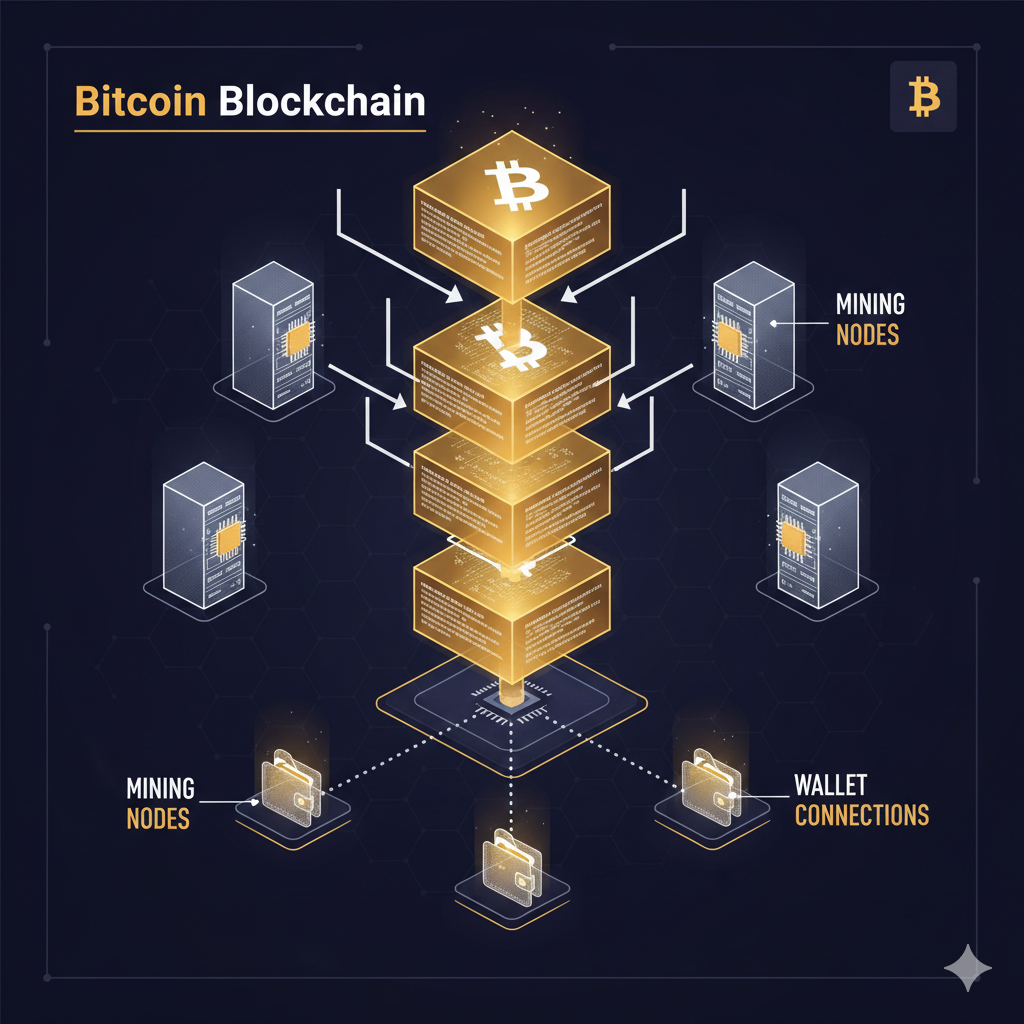
If you own XRP, you need Xaman. While Ledger hardware wallets and Exodus offer XRP support, Xaman is purpose-built for the XRP Ledger — the only wallet that natively supports every XRPL feature without requiring a desktop app or browser extension.
Setting Up Xaman: Step-by-Step
Setting Up Xaman: Step-by-Step
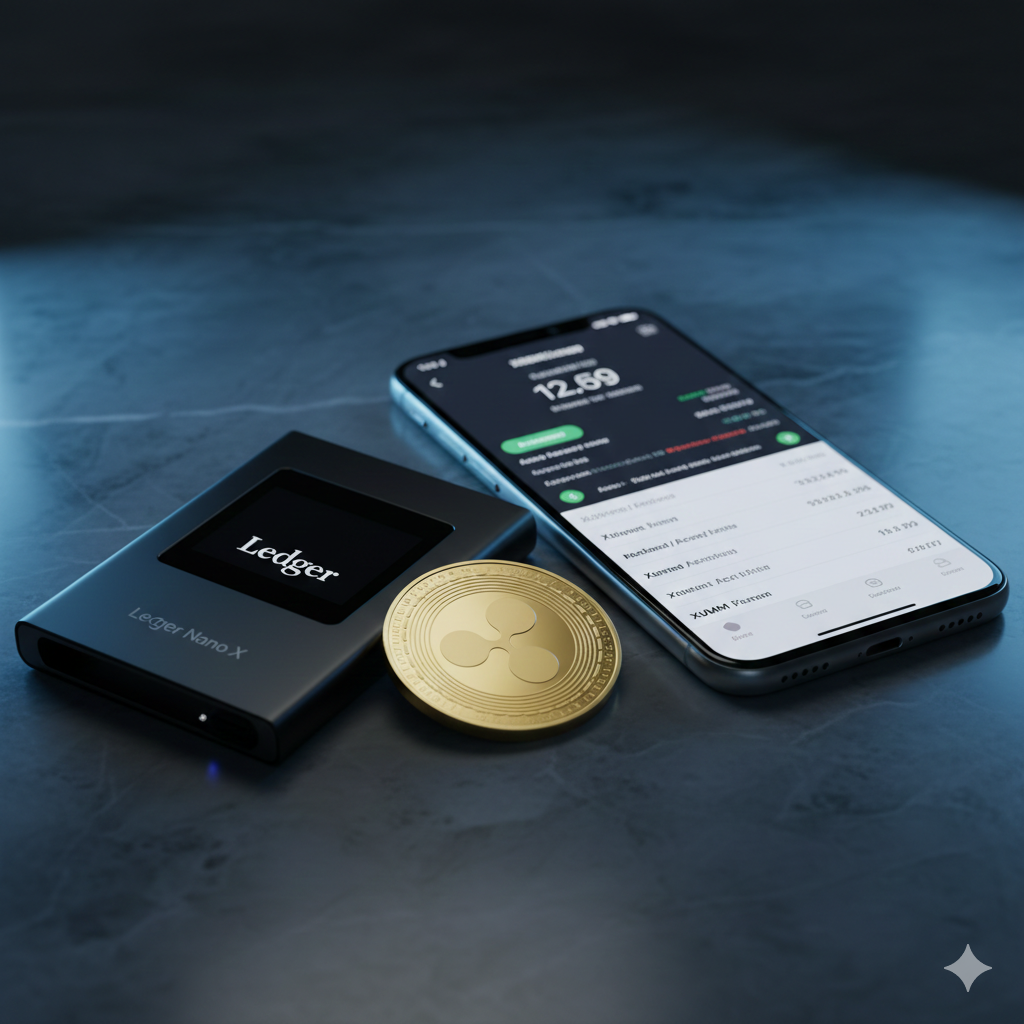
Step 1: Download Xaman
Download Xaman from the official App Store (iOS) or Google Play Store (Android). Always verify you're downloading the official app by XRPL Labs — the developer — with 1M+ downloads and 4.8★ rating. Never use third-party APK sources.
Step 2: Create a New Account
Select 'Create a new account' in the app. Xaman will generate a unique XRP Ledger address and secret key. IMPORTANT: Your secret key (Family Seed, starting with 's') is your wallet — not the app. Write it down on paper and store it offline, never in a screenshot or cloud storage.
Step 3: Fund Your Address (Activation)
The XRP Ledger requires a 10 XRP deposit to activate a new account (this is a network reserve requirement, not a fee). Send at least 10.001 XRP to your new Xaman address from an exchange. After confirmation (3-5 seconds), your account is active.
Step 4: Enable Biometric Security
In Xaman settings, enable fingerprint/Face ID authentication for the app. This protects against phone theft. Your secret key is separately required to sign transactions, so even if biometrics are bypassed, funds cannot be moved without the secret key.
Advanced Xaman Features
Advanced Xaman Features
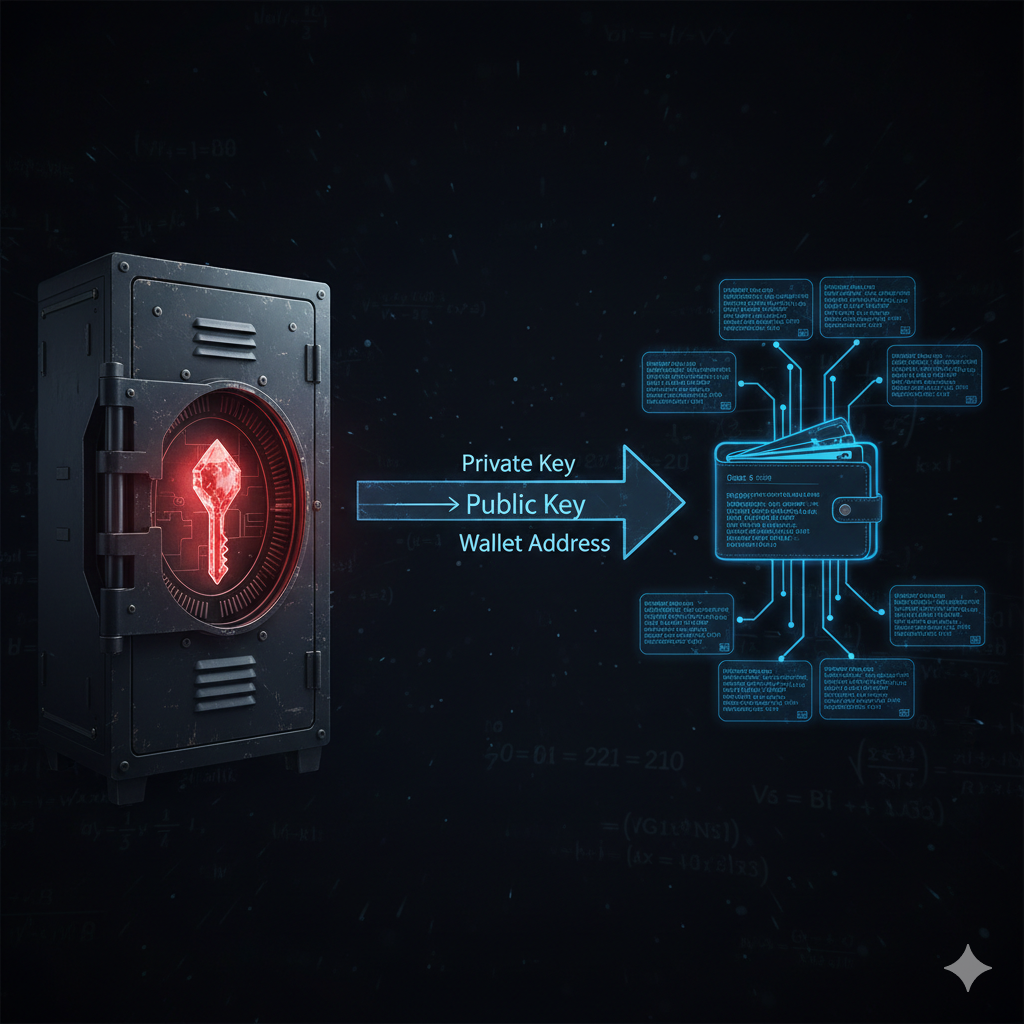
- ✓Trust Lines: directly manage connections to XRPL-issued tokens (stablecoins, altcoins)
- ✓xApps: a marketplace of mini-applications running inside the wallet (DEX trading, DeFi, NFTs)
- ✓DEX trading: native XRPL order book access directly within the wallet
- ✓NFT management: mint, view, and trade XRPL NFTs (XLS-20 and XLS-24 standards)
- ✓Tangem card support: pair Xaman with a physical NFC card for cold storage transactions
- ✓Hardware wallet integration: sign transactions via Xaman while keys stay on Ledger device
Xaman Wallet FAQs
Take Self-Custody of Your XRP
The best practice for any serious XRP holder is to maintain self-custody through a personal wallet like Xaman. Start accumulating XRP daily through MineXrpOnline, then transfer to your Xaman wallet for true ownership.
Start Earning XRP