The single most important concept in crypto ownership: your coins are not stored in any wallet. They are recorded on the blockchain — a public ledger. A 'wallet' is just software (or hardware) that stores your private keys, which are the cryptographic proof of your right to move those coins.
The Key Architecture: How Wallets Work
The Key Architecture: How Wallets Work
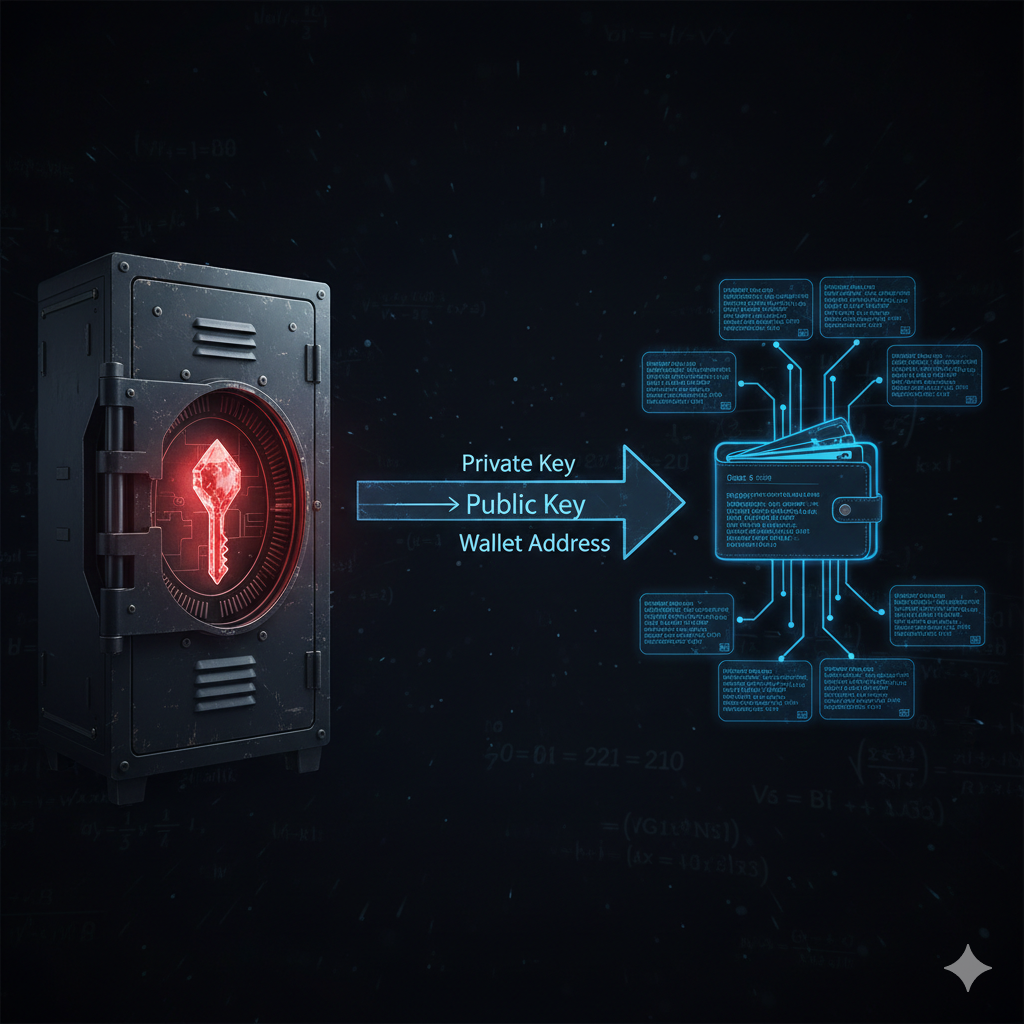
Seed Phrase: The Master Key
A seed phrase (12 or 24 random words from the BIP-39 wordlist) is a human-readable representation of your HD wallet's master entropy. From this seed phrase, billions of private keys can be deterministically derived. Backing up the seed phrase backs up every account in the wallet. Losing it means permanent loss of access.
Private Key: The Signing Authority
A private key is a 256-bit number (usually shown as 64 hexadecimal characters). It proves ownership of coins at the corresponding address. Whoever holds the private key controls those coins absolutely — no authority can override this. Private keys must never be shared.
Public Key and Address
Your public key is mathematically derived from your private key (one-way: knowing the public key cannot reveal the private key). The wallet address is a hashed, encoded form of the public key — the string starting with '0x' (Ethereum), '1' or 'bc1' (Bitcoin), or 'r' (XRP). This is safe to share publicly for receiving funds.
Hot Wallets vs Cold Wallets
Hot Wallets vs Cold Wallets
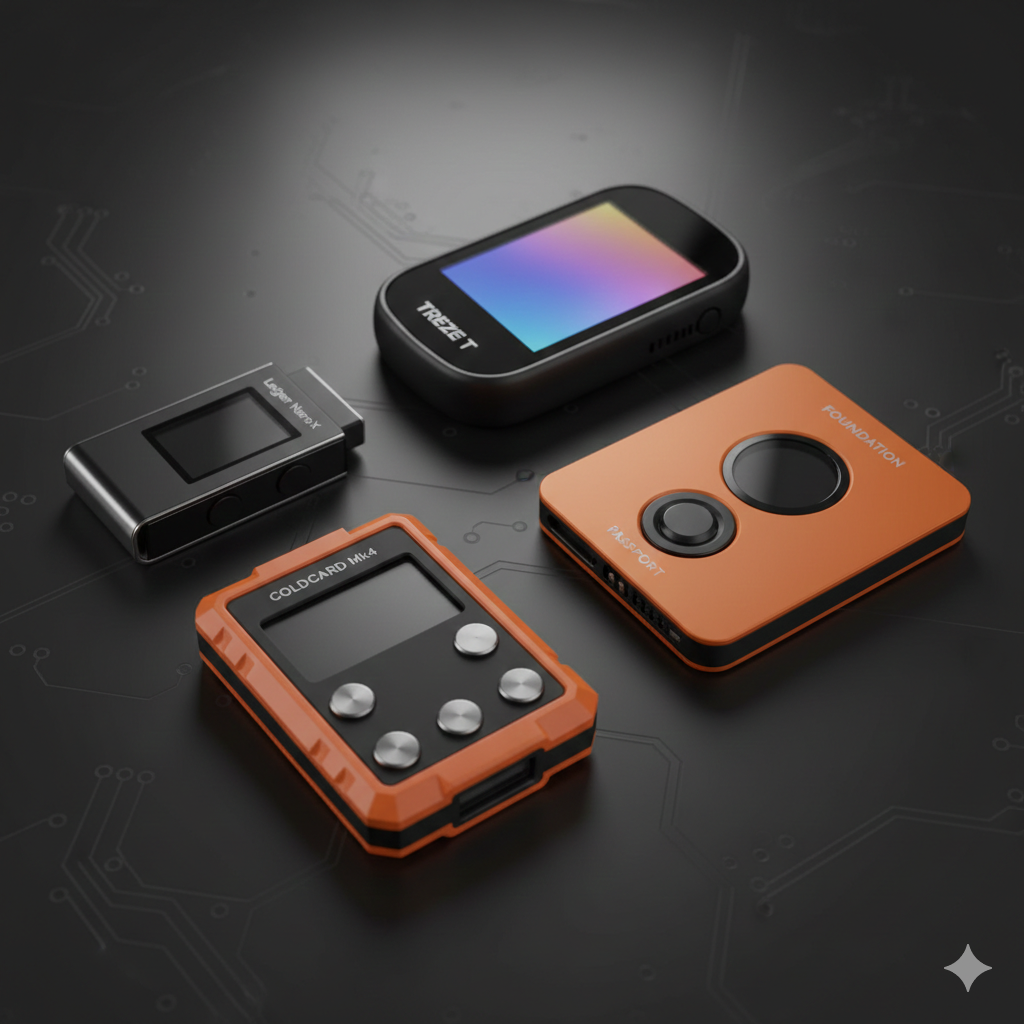
- ✓Hot wallets: MetaMask, Trust Wallet, exchange accounts — convenient, online risk
- ✓Cold wallets: Ledger, Trezor — offline private keys, highest security
- ✓Paper wallets: seed phrase written on paper — simple, physical theft risk
- ✓Multi-sig wallets: require multiple keys to sign — institutional-grade security
- ✓'Not your keys, not your coins' — exchange-held crypto has counterparty risk
Wallet FAQs
Receive Your Daily XRP Mining Rewards Securely
When you mine XRP on MineXrpOnline, you maintain full control of your wallet address for withdrawals. Configure your XRP wallet and start receiving daily rewards.
Set Up Your Account